
Let me ask you something. Have you ever put weeks of effort into a piece of content, optimized it carefully, built backlinks to it — and still watched it underperform in Google? There is a very real chance that duplicate content and missing canonical tags are silently killing your rankings without you even knowing it.
In 2026, this matters more than ever. Google’s AI Overview, Perplexity, ChatGPT Search, and other generative engines are all pulling from content they trust. And trust starts with clarity — specifically, with clear canonical signals that tell search engines exactly which URL is your authoritative, preferred version.
This guide covers everything you need to know about canonical tags in SEO: what they are, why they matter, how to implement them correctly, what mistakes to avoid, and how to use them to appear in AI Overviews. Whether you are managing a WordPress blog, a Shopify store, or a large enterprise site, this guide gives you a practical, step-by-step framework you can apply today.
What Is a Canonical Tag? (Clear Definition)
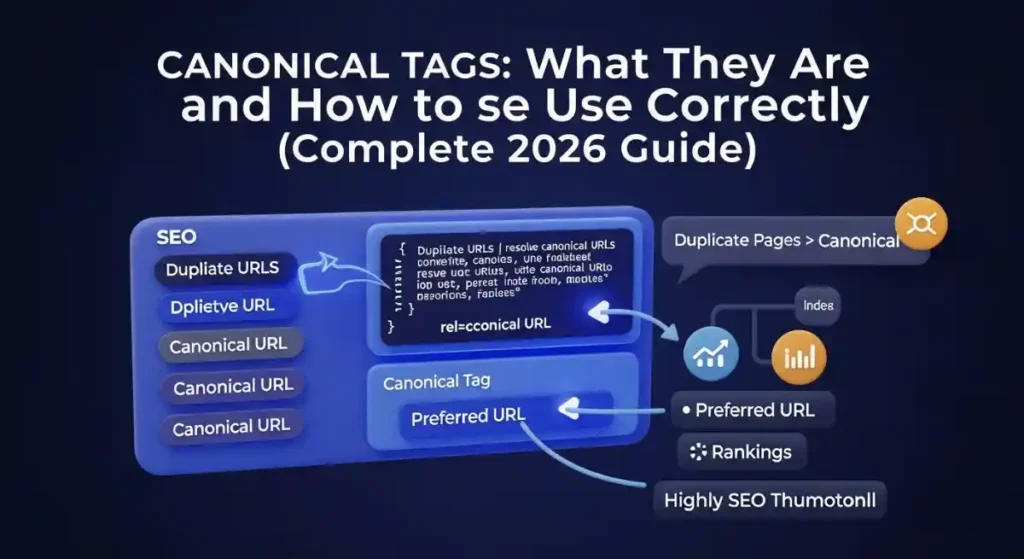
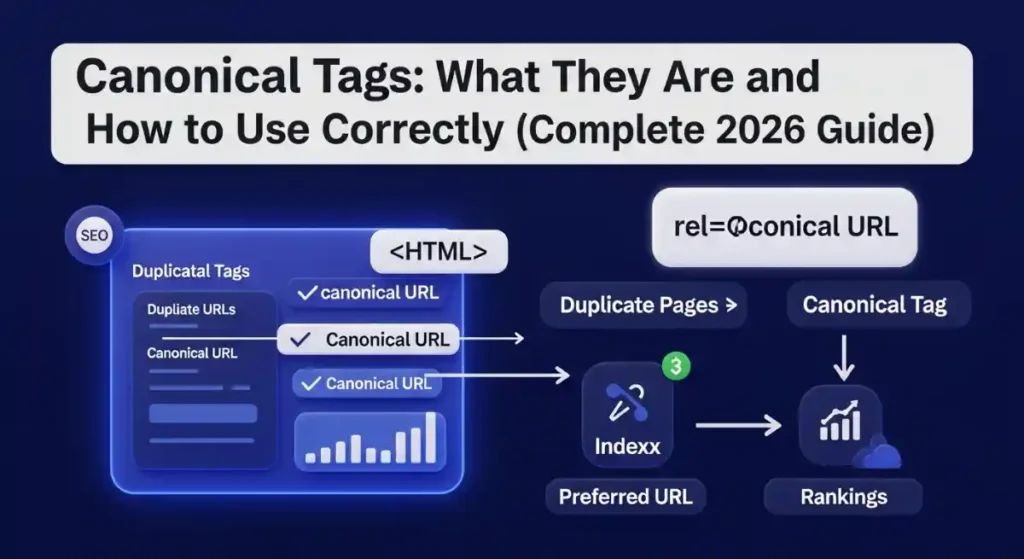
A canonical tag — technically written as <link rel="canonical" href="https://yoursite.com/page/" /> — is an HTML element placed inside the <head> section of a web page. Its job is simple but powerful: it tells Google and other search engines which URL is the preferred version of a page when the same or very similar content exists at multiple URLs.
The process of selecting and communicating that preferred version is called URL canonicalization.
Here is a real-world example. Imagine your product page is accessible at all of these URLs simultaneously:
- https://example.com/red-shoes/
- https://example.com/red-shoes/?color=red
- https://example.com/red-shoes/?ref=homepage
- http://example.com/red-shoes/
- https://www.example.com/red-shoes/
To a human, these all look like the same page. To Google’s crawler, they are five completely different pages competing with each other for the same keywords. Without a canonical tag, Google has to guess which one to rank — and it often guesses wrong.
A canonical tag on each of these URLs pointing to https://example.com/red-shoes/ solves the problem instantly. You take control back from the algorithm.
One critical thing to understand: canonical tags are hints, not directives. Google treats them as strong signals but can override them if other signals — your internal links, XML sitemap, redirects — point in a different direction. This is why your entire site architecture must be consistent, not just the tag itself.
Why Canonical Tags Are More Important Than Ever in 2026
The role of canonical tags has expanded significantly in recent years. Here is why ignoring them in 2026 is a bigger risk than ever before.
Google processes more URLs than ever. Modern websites — especially ecommerce stores with filters, sorting options, product variants, and tracking parameters — can generate tens of thousands of near-duplicate URLs automatically. Every one of those URLs without a canonical tag is noise that Google has to process, evaluate, and decide on without your guidance.
AI Overviews and generative search engines depend on canonical clarity. When Google builds an AI Overview answer, it needs to identify the single most authoritative URL on a topic. When ChatGPT Search or Perplexity crawls and indexes your site, they also rely on canonical signals to determine which version of your content to attribute and cite. Messy canonical architecture means these AI systems either skip your content or cite the wrong version.
Link equity is at stake. Every time someone links to your content, that link carries ranking power. If backlinks from a hundred different websites point to five different versions of the same page, that ranking power is split five ways. Canonical tags consolidate all of it into one URL, making your preferred page dramatically stronger in search.
Crawl budget protection. For large websites, Googlebot has a daily limit on how many pages it will crawl. If your site is full of parameter-based duplicate URLs with no canonical guidance, Google wastes its entire crawl budget on pages that will never rank — while your actual important pages go uncrawled and unindexed. Canonical tags fix this directly.
When Should You Use a Canonical Tag?
Knowing when to use canonical tags separates strong technical SEOs from beginners. Here are the most important real-world scenarios.
UTM Parameters and Tracking URLs
Every time you add a UTM parameter to a URL for campaign tracking — ?utm_source=facebook&utm_medium=social — you create a brand-new URL that Google treats as a separate page. Canonical tags on all parameter-based URLs pointing to the clean base URL solve this without breaking your analytics.
HTTP vs HTTPS and WWW vs Non-WWW Versions
If both http://example.com and https://example.com are accessible, or both www.example.com and example.com are live, you have duplicate content. Set canonical tags consistently across your entire site pointing to your chosen preferred version — ideally HTTPS — and make sure your 301 redirects and canonical tags agree with each other.
Ecommerce Product Variants and Filter Pages
This is the single biggest canonical challenge for online stores. A product available in red, blue, and green might have three separate URLs. Category pages filtered by price, brand, or size generate hundreds more. Each needs a canonical tag. For variants that deserve their own search presence, use self-referencing canonicals. For low-intent filter combinations, canonical back to the base category page.
Paginated Content
If your blog or product listings span multiple pages — /page/2/, /page/3/ — each paginated URL should carry its own self-referencing canonical. Never canonical all paginated pages back to page 1. This is a common mistake that causes Google to miss everything on your deeper pages. You can learn more about technical SEO pagination best practices in the Technical SEO Checklist 2026 on Toolify Worlds.
Content Syndication
If you republish your articles on partner websites, Medium, LinkedIn Articles, or any other platform, those syndicated copies must carry a canonical tag pointing back to your original URL. This ensures your site receives the indexing credit and ranking authority — not the platform that republished your content.
Session IDs and Dynamic URLs
Ecommerce and membership platforms often append session IDs to URLs, creating millions of unique but content-identical pages. A canonical tag on every dynamic URL pointing to the static base version cleans this up entirely.
How to Implement Canonical Tags Correctly: Step-by-Step
Implementation details matter enormously with canonical tags. Here is the exact framework to follow.
Always Use Absolute URLs
Your canonical tag must contain the full URL — including the protocol and domain.
Correct: <link rel="canonical" href="https://www.yoursite.com/page/" />
Wrong: <link rel="canonical" href="/page/" />
Relative URLs create ambiguity. Search engines may resolve them incorrectly, especially on large sites with complex architecture.
Place the Tag in the <head> Section
The canonical tag must appear in the <head> of your HTML document, not in the <body>. Many CMS platforms handle this automatically through plugins, but if you are working with custom code, verify placement every time.
One Canonical Tag Per Page — Always
Having two canonical tags on one page — which can happen when you use multiple SEO plugins or mix plugin-generated and custom code — causes search engines to ignore both tags. Check for duplicate canonical tags as part of every technical SEO audit.
Add Self-Referencing Canonicals to Every Indexable Page
Every page you want indexed and ranked should have a canonical tag pointing to itself. This is best practice for a simple reason: it explicitly tells Google your preferred URL before anyone else can establish a different signal.
Ensure the Canonical URL Is Live and Indexable
The URL you specify in your canonical tag must be:
- Returning a 200 HTTP status code
- Not blocked by robots.txt
- Not tagged with a noindex meta robots tag
- Not sitting behind a redirect chain
Pointing a canonical tag to a redirected or noindexed URL sends contradictory signals and Google will likely ignore your tag entirely.
Align All SEO Signals to Agree
Your canonical URL should be the same URL that appears in your XML sitemap, that your internal links point to, and that your breadcrumbs reference. When all these signals agree, Google’s confidence in your canonical choice is high. When they conflict, Google may override you.
Use the free XML Sitemap Generator at Toolify Worlds to build a clean, properly structured sitemap that only includes your canonical, indexable URLs — keeping your sitemap and canonical tags perfectly aligned.
How to Add Canonical Tags on Every Major Platform
Canonical Tags in WordPress
Install either Yoast SEO or Rank Math — both are excellent. Navigate to any post or page, scroll to the SEO plugin settings below the editor, and find the “Advanced” tab. There will be a dedicated field for the canonical URL. Enter the preferred URL and save. The plugin handles the HTML output automatically.
For sitewide settings, both plugins allow you to set your preferred domain version — www or non-www — which populates canonical tags across the entire site automatically.
Canonical Tags in Shopify
Shopify generates canonical tags automatically for product pages, collection pages, and blog posts. However, filtered and sorted URLs — things like ?sort_by=price-ascending — may not always be handled correctly. Review your theme’s Liquid template files and check how canonical tags are rendered on filter and sort pages. For custom landing pages, you may need to add canonical tags manually inside the page template.
Canonical Tags in Webflow
In Webflow’s site settings, go to SEO and look for the Global Canonical Tag URL field. Setting your canonical domain here automatically adds self-referencing canonical tags across all published pages. For individual pages, you can override this in each page’s SEO settings.
Canonical Tags in Wix and Squarespace
Both platforms handle canonical tags through their built-in SEO settings. In Wix, go to the SEO Settings for each page. Squarespace manages canonicals automatically but allows override through custom code injection in the <head> section if needed.
Canonical Tags in Magento and BigCommerce
Both platforms have canonical tag management built into their native SEO settings. In Magento 2, go to Stores → Configuration → Catalog → Search Engine Optimization and ensure canonical tags are enabled for categories and products. BigCommerce manages this similarly through the SEO section of each storefront.
Canonical Tags for Non-HTML Files (PDFs)
For PDF documents, whitepapers, and downloadable guides — content types that do not have an HTML <head> — you can set canonical signals through the HTTP response header:
Link: <https://example.com/whitepaper.pdf>; rel="canonical"
This works for any file type and is supported by both Google and Bing.
Canonical Tag vs 301 Redirect: The Complete Comparison
This is one of the most commonly confused concepts in technical SEO. Here is the definitive breakdown.
A 301 redirect permanently moves one URL to another. When a user or crawler visits the old URL, they are automatically sent to the new one. The old URL effectively stops existing as an independent destination. All link equity passes to the new URL. Use a 301 redirect when you are permanently retiring a URL and want all traffic and authority to flow to its replacement.
A canonical tag keeps both URLs live and accessible. Users can visit either URL and see content normally. You are simply communicating to search engines which URL should receive indexing priority and ranking authority. The non-canonical URLs continue to function — they just do not compete for rankings independently.
When to use a 301 redirect: You moved a page permanently. You merged two sections of a site. You changed your domain. You deleted a product and want its authority to flow to a related page.
When to use a canonical tag: The same content exists at multiple URLs for functional reasons. You have tracking parameters that need to remain live. Your ecommerce platform generates filter and sort URLs that should not rank independently. You are syndicating content on another platform.
The key distinction: redirects remove a URL from active use; canonical tags manage a URL while keeping it functional.
Canonical Tags and AI Overview Optimization in 2026
This is where technical SEO meets the future of search, and it deserves your full attention.
Google’s AI Overview, ChatGPT Search, Perplexity, and Gemini all operate by identifying the most trustworthy, authoritative source for a given query and synthesizing an answer from it. For your content to appear in these AI-generated answers, two things need to be true: your content must be genuinely helpful and authoritative, and search engines must be able to clearly identify which URL represents your canonical, authoritative answer.
Canonical tags play a direct role in the second requirement. Here is how to optimize for AI Overview visibility specifically:
Use clean, consistent canonical signals across your entire site. AI systems that index and retrieve content from your site need to know with certainty which URL is the master version. Conflicting signals lead to your content being deprioritized.
Combine canonical tags with structured data. JSON-LD schema markup tells AI systems not just where your authoritative content lives, but what type of content it is, who wrote it, when it was published, and what questions it answers. FAQ schema is particularly powerful for AI Overview inclusion because it directly provides question-and-answer pairs that AI systems can surface.
You can generate ready-to-use, Google-compatible FAQ schema for your articles using the free FAQ Schema Generator at Toolify Worlds — no account or signup required.
Write direct, snippet-friendly answers. AI Overviews prefer content that answers questions clearly and concisely within the first paragraph of a section. Pair this structure with canonical clarity and your content becomes an AI citation target.
Check your meta tag implementation. Canonical tags do not work in isolation — they work alongside title tags, meta descriptions, and Open Graph tags to establish page identity. Use the free Meta Tag Analyzer at Toolify Worlds to audit all of these signals together on any page of your site. You can also use the Open Graph Preview Tool to see exactly how your pages appear when shared or retrieved by AI search systems.
How to Audit Canonical Tags: A Practical Workflow
Whether you are doing this for the first time or performing a quarterly technical audit, here is the exact process.
Step 1 — Crawl Your Entire Site
Use Screaming Frog SEO Spider, Ahrefs Site Audit, or Semrush’s Technical Audit tool to crawl every URL on your site. Export the canonical tag data for every page. Look for pages with missing canonicals, pages with multiple canonical tags, and pages where the canonical URL differs from the page URL.
Step 2 — Check Google Search Console
Open the Coverage report and filter for “Duplicate without user-selected canonical.” Every URL listed here is a page where Google found duplicate content but found no canonical tag guiding it. These are your highest-priority fixes. Also use the URL Inspection tool on your most important pages to see what Google reports as the “Google-selected canonical” — if it differs from your declared canonical, something in your site signals is conflicting.
Step 3 — Compare Canonicals Against Your Sitemap
Every URL in your XML sitemap should be a canonical, indexable URL. If your sitemap lists URLs that differ from your canonical tags, you are sending conflicting signals. Clean your sitemap so it only contains canonical URLs.
Step 4 — Audit Internal Links
Run a crawl filtered to internal links and check that every internal link on your site points to the canonical version of a page — not to a redirect, a parameter URL, or a non-canonical variant. Internal links to non-canonical URLs are a common reason Google ignores your canonical tags.
Step 5 — Verify Heading Tag Structure and On-Page Signals
Pages with strong canonical signals also need strong on-page signals to reinforce authority. Use the free Heading Tags Checker at Toolify Worlds to verify your H1, H2, and H3 structure is correctly implemented on every canonical page. Heading structure is one of the on-page signals that helps search engines confirm a page’s topic relevance and authority.
Step 6 — Run Regular Re-Audits
Canonical tag audits are not a one-time task. Every time you publish new content, change your URL structure, add new product variants, or update your CMS, new canonical issues can appear. Set a recurring audit schedule — monthly for large sites, quarterly for smaller ones.
For a complete technical SEO framework that goes beyond canonicals into robots.txt, structured data, Core Web Vitals, and more, read the Robots.txt Mistakes That Kill Rankings guide on Toolify Worlds and the full Technical SEO Checklist 2026.
Common Canonical Tag Mistakes (And How to Fix Them)
Canonicalizing to a redirected URL. The canonical URL must be the final destination URL — not a URL that 301 redirects somewhere else. Always point directly to the live page.
Creating canonical loops. Page A canonicals to Page B, Page B canonicals to Page A. Neither page gets indexed properly. Fix by identifying the loop with a site crawler and breaking the circular reference.
Pointing to a noindexed page. If your canonical URL carries a noindex meta robots tag, you are asking Google to consolidate authority into a page it has been told not to index. The instructions contradict each other. Remove the noindex from the canonical page.
Using multiple SEO plugins simultaneously. Two SEO plugins often both try to output canonical tags, creating duplicate tags on every page. Pick one plugin — Yoast SEO or Rank Math — and disable or remove the other.
Canonicalizing all paginated pages to page 1. This hides all content on pages 2 and beyond from Google’s crawler. Use self-referencing canonicals on each paginated page instead.
Not verifying after implementation. Always check your canonical tags with the URL Inspection tool in Google Search Console or a browser’s “View Page Source” function after implementation. What a plugin says it is doing and what it is actually outputting to the HTML are sometimes different things.
Frequently Asked Questions About Canonical Tags
What is a canonical tag in SEO? A canonical tag is an HTML element placed in a page’s <head> section that signals to search engines which URL is the preferred, authoritative version of a piece of content. It prevents duplicate content from splitting ranking authority and ensures the right page gets indexed and ranked.
Why are canonical tags important? Canonical tags protect your link equity by consolidating it into one URL, prevent duplicate content from confusing search engines, improve crawl budget efficiency, and increase your chances of appearing in AI-generated search overviews by giving AI systems a clear, trusted source URL.
Does Google always follow canonical tags? No. Google treats canonical tags as a strong hint, not an absolute command. If your internal links, sitemap, or redirect rules point to a different URL, Google may override your declared canonical. Consistent site architecture across all signals is what makes canonical tags reliable.
What is a self-referencing canonical tag? A self-referencing canonical is a canonical tag on a page that points to the page itself. It is best practice for every indexable page because it explicitly establishes the page’s own URL as the preferred version before any external signal can challenge it.
Can a page have multiple canonical tags? No. Multiple canonical tags on a single page cause search engines to ignore all of them. Use exactly one canonical tag per page.
How do I fix the “Duplicate without user-selected canonical” error in Google Search Console? Add a canonical tag to the affected pages pointing to your preferred URL. Submit the corrected URLs for re-inspection through the URL Inspection tool. Monitor the Coverage report over the following weeks to confirm the error is resolved.
Do canonical tags pass link juice? Yes. Backlinks pointing to non-canonical URLs pass their link equity to the canonical URL. This is one of the primary ways canonical tags strengthen your preferred page’s ranking power.
What is a cross-domain canonical tag? A cross-domain canonical tag points from a page on one domain to the preferred version of that content on a different domain. This is commonly used when syndicating content or migrating a site, and it is fully supported by Google.
Is a canonical tag a ranking factor? Not directly. Canonical tags do not boost rankings on their own. Their value is in consolidating ranking signals — link equity, crawl budget, indexation authority — into your preferred URL, which then ranks more effectively because all signals are unified behind it.
How to use canonical tags for ecommerce sites? For ecommerce, use self-referencing canonicals on primary product pages, canonical product variant URLs back to the main product page when variants do not deserve independent search presence, canonical low-intent filter and sort URLs back to the base category page, and include only canonical URLs in your XML sitemap.
Conclusion: Build a Canonical Foundation That Search Engines and AI Systems Trust
Canonical tags are not just a technical checkbox. They are the foundation of a trustworthy, clearly structured website — one that search engines can confidently index and AI systems can confidently cite.
In 2026, as AI-powered search reshapes how people find information, the websites that win are the ones that make it absolutely easy for both algorithms and AI to understand what they are about, which pages represent their best content, and which URLs deserve to be ranked and recommended.
Start with the fundamentals: add self-referencing canonicals to every indexable page, align your sitemap with your canonical URLs, fix your internal links so they always point to canonical versions, and audit regularly using Google Search Console.
Then layer on the advanced strategy: pair canonical tags with structured data, write direct AI-readable answers, and use your technical SEO signals as a unified system rather than isolated elements.
Explore the free SEO and technical tools available without any login or signup at Toolify Worlds — including the Meta Tag Analyzer, XML Sitemap Generator, FAQ Schema Generator, Heading Tags Checker, SEO Score Checker, Robots.txt Generator, and Open Graph Preview Tool. Every tool you need to build a technically sound, AI-visible website is waiting for you, completely free.
The canonical tag is small. The impact, when done right, is anything but.






